Smart home
Smart Home for Renters: No Drilling, No Rewiring
Renters can build a full smart home without drilling or rewiring by choosing devices that plug in, stick on or press existing buttons: smart plugs, adhesive door and motion sensors, a Wi-Fi IR remote for the AC and TV, and a small 'finger robot' for switches. Everything unplugs and moves with you.
You do not need to own your home to make it smart. The trick is choosing devices that plug in, stick on or press buttons rather than replacing anything.
The renter's rule
If it can be removed in five minutes without tools or marks, it is renter-friendly. That rules in plugs, battery sensors and remotes, and rules out hardwired switches, wired thermostats and locks (unless your landlord agrees in writing).
The best renter-friendly upgrades
| Want to… | Use | Install |
|---|---|---|
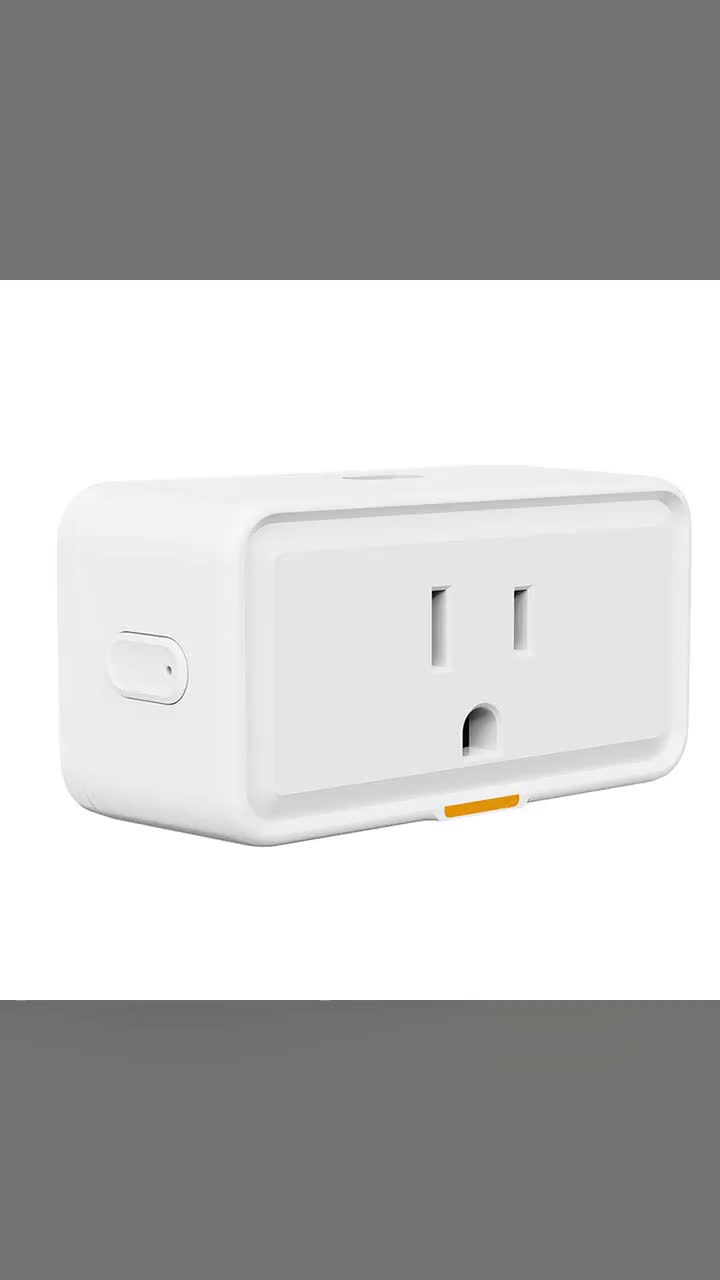
| Control lamps and fans | Smart plugs | Plug in |
| Press an existing switch or coffee-machine button | Finger robot | Stick on beside it |
| Know when a door opens | Door sensor | Adhesive |
| Lights that follow you | Motion sensor + smart plug | Free-standing or adhesive |
| Control the AC and TV | Wi-Fi IR remote | Put on a shelf |
| Catch damp and mould | Temperature & humidity sensor | Free-standing |
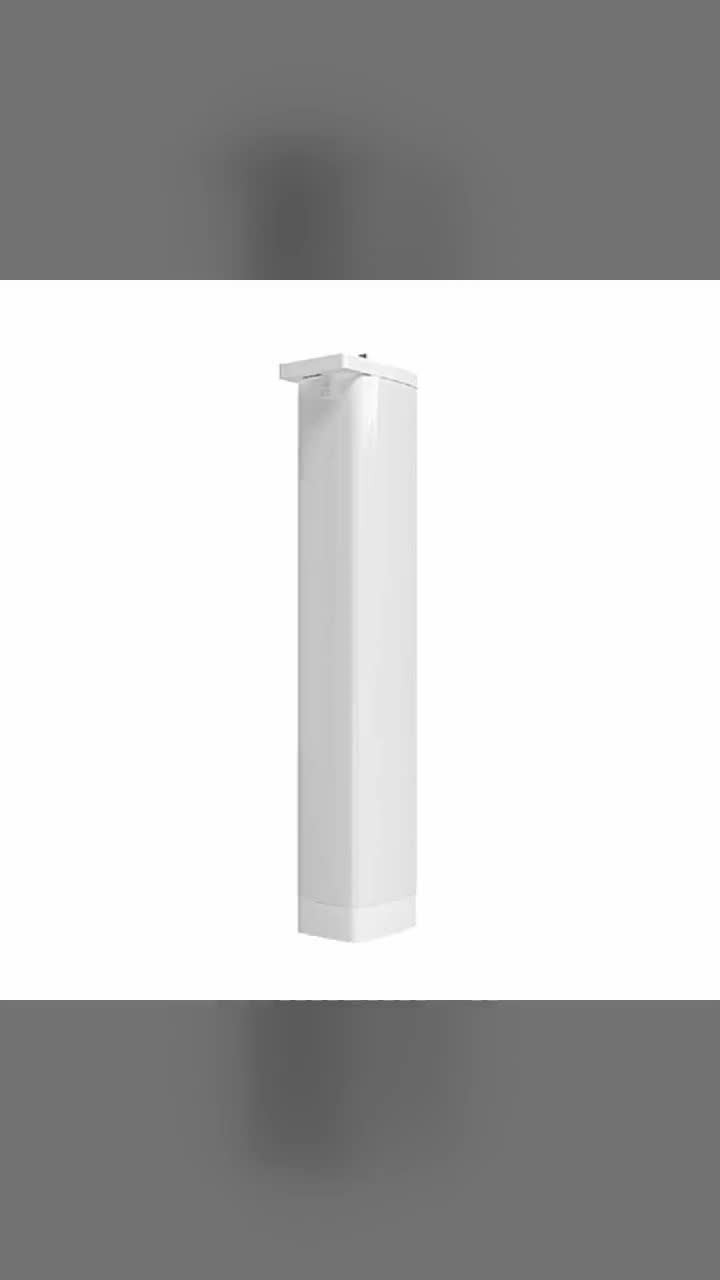
| Automate curtains | Rope or drawstring motor | Check how it mounts first |
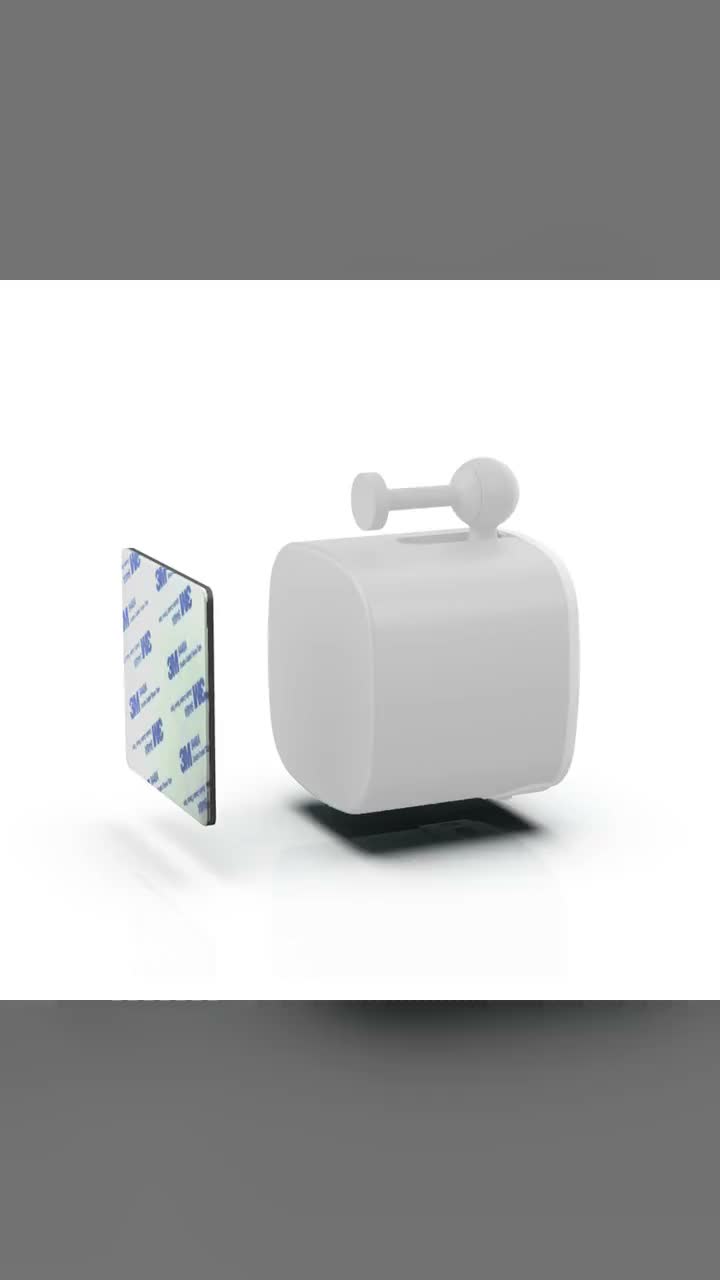 Smart Finger RobotSticks on and physically presses existing switches and buttons.Watch the reel →
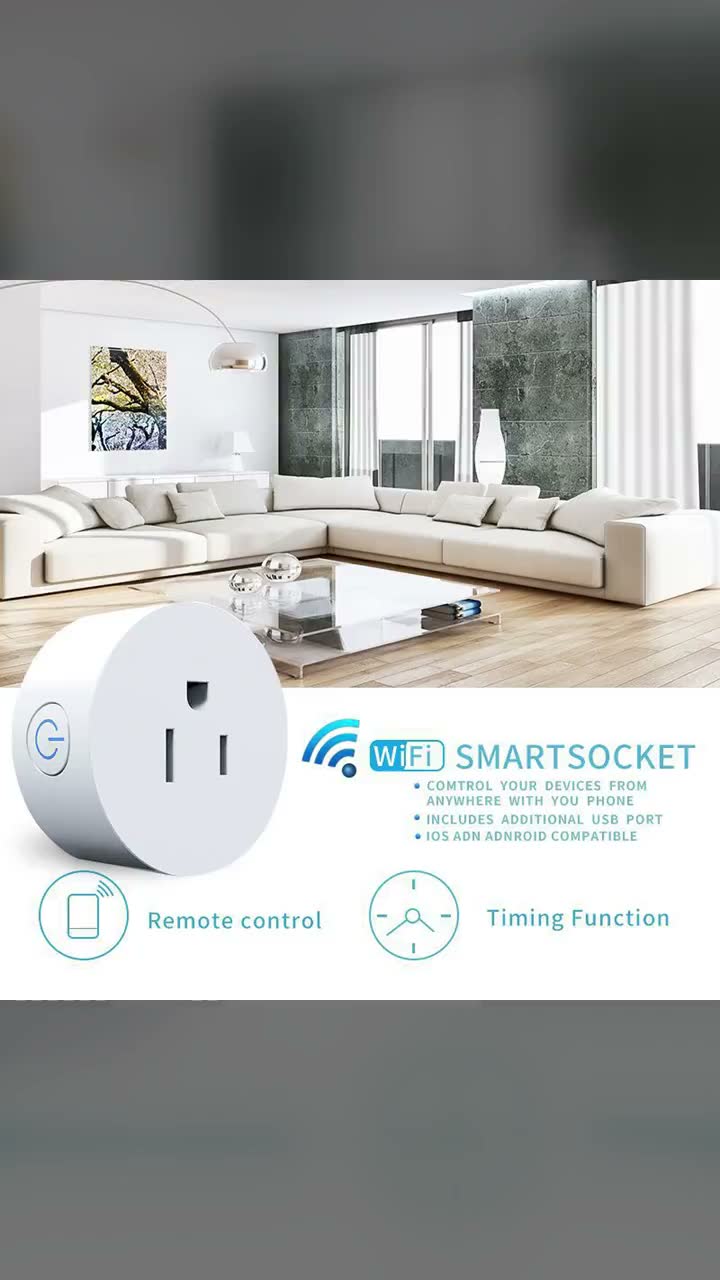 Voice Control Wi-Fi Smart SocketPlug-in control for lamps and fans.Watch the reel →
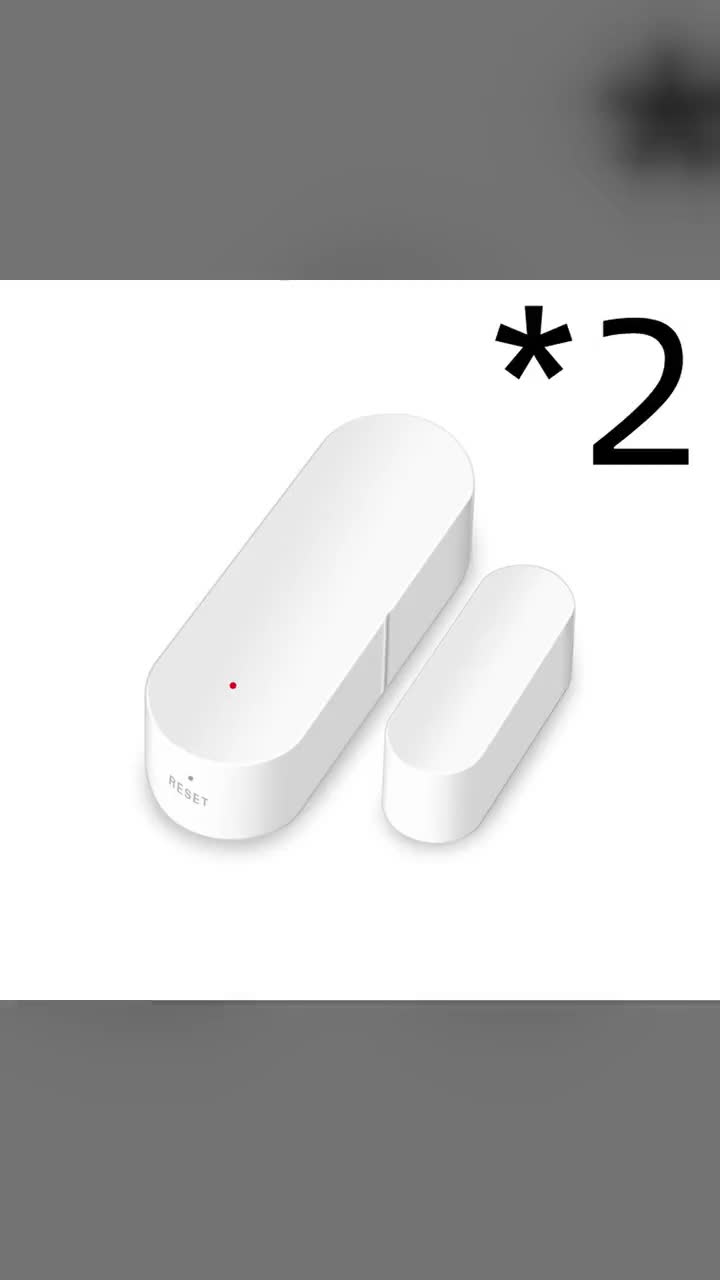 Tuya Wi-Fi Door SensorAdhesive mount, phone alerts when the door opens.Watch the reel →
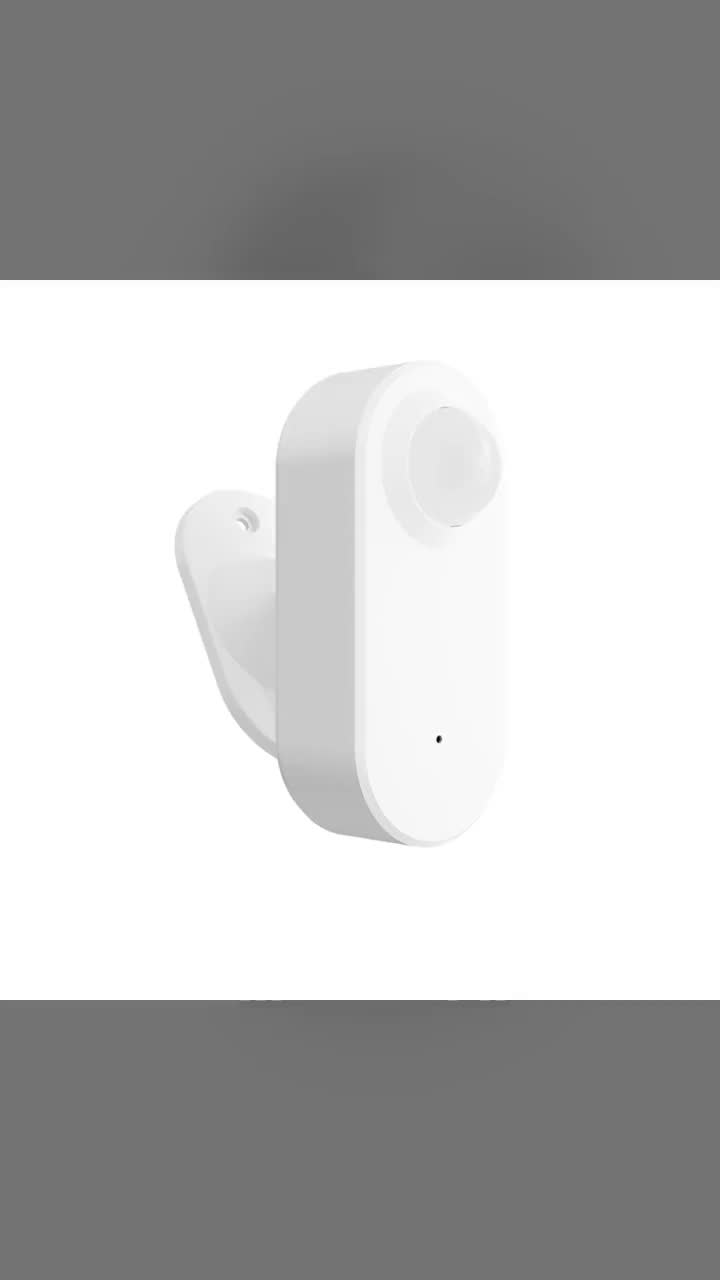 Zigbee / Wi-Fi Motion SensorFree-standing or adhesive, for lighting automations.Watch the reel →
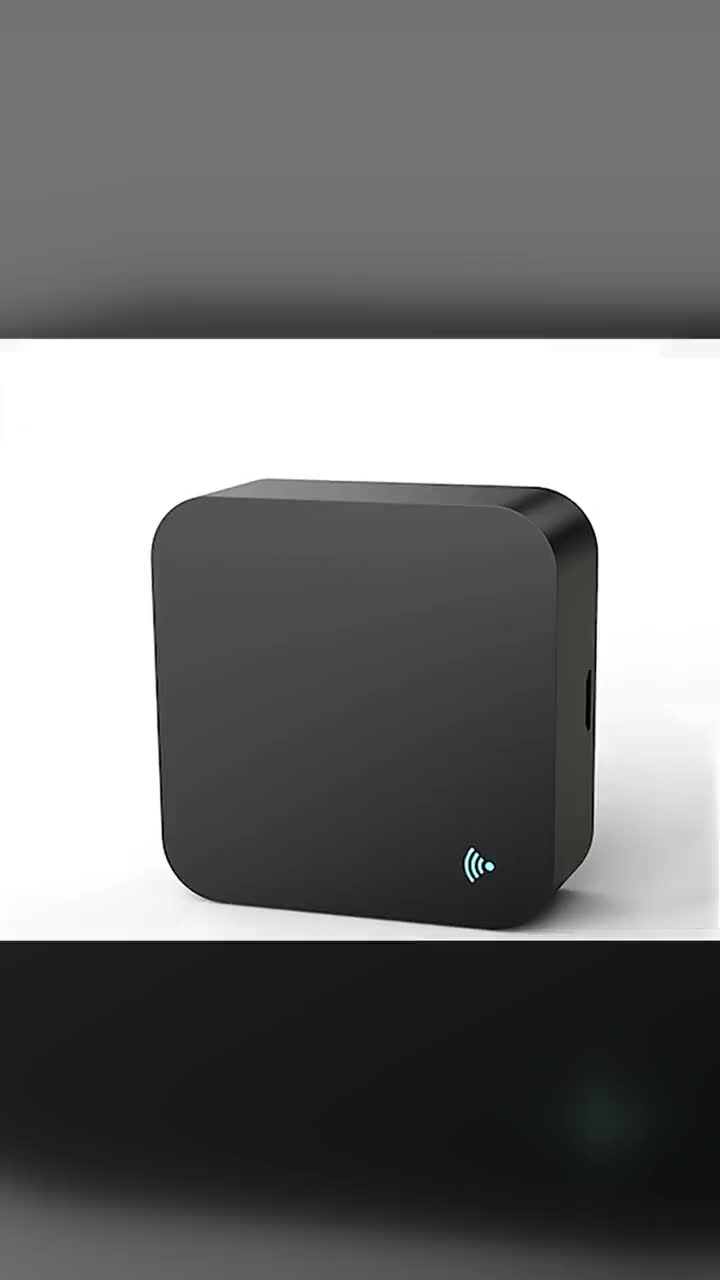 Tuya Universal Wi-Fi RemoteControl the landlord's AC and TV from your phone.Watch the reel →
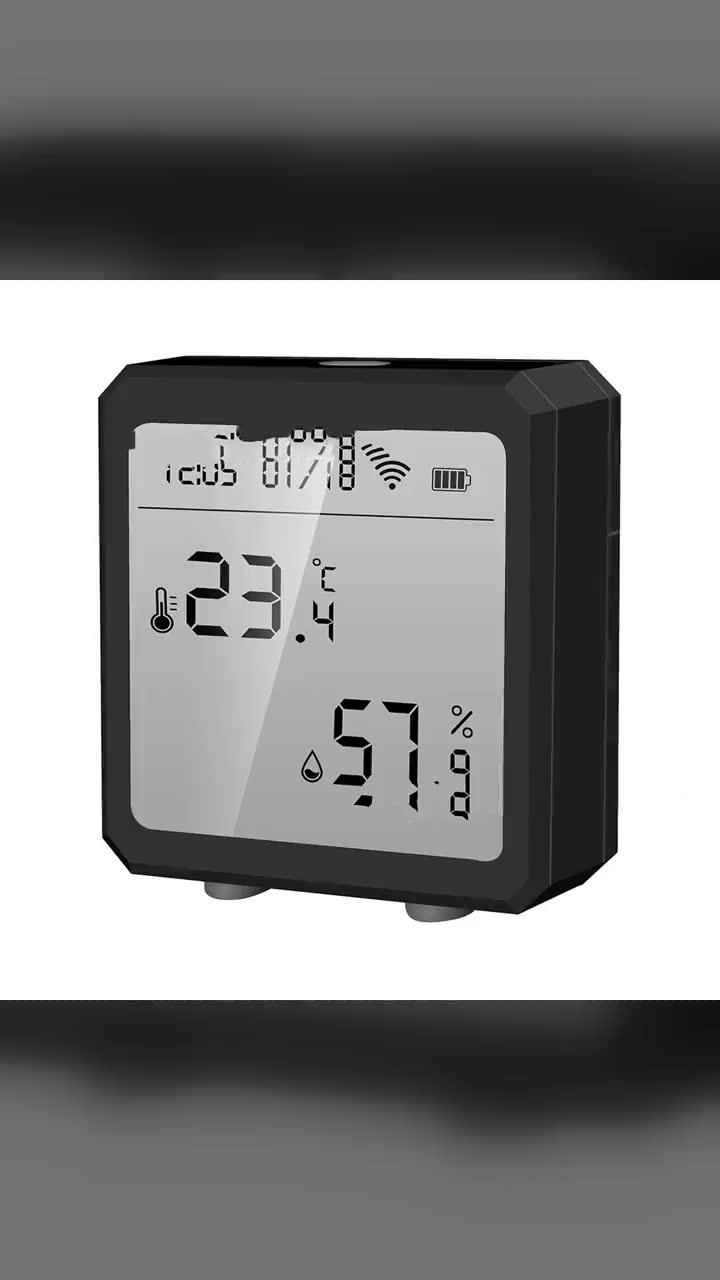 Wi-Fi Temperature & Humidity SensorSpot damp early and keep a record for your landlord.Watch the reel →
Starter kit for a one-bedroom flat
- Two smart plugs for the living-room and bedside lamps.
- A door sensor on the front door.
- A motion sensor in the hallway.
- A Wi-Fi IR remote for the AC or TV.
- A temperature and humidity sensor in the bedroom.
All of it fits in one app; see our Tuya and Smart Life guide.
Living with shared Wi-Fi
In some rentals the router is the landlord's. Ask for a 2.4 GHz network name and password you can use, or set up a small router of your own if allowed. Devices on a guest network still work fine.
Moving out
- Remove devices in the app or reset them.
- Peel adhesive mounts slowly, warming them with a hairdryer if needed.
- Pack everything, and set up a new home in the app at your next place.
More ideas: 12 clever ways to use a smart plug and smart IR remotes for your AC.
Frequently asked questions
Can renters have a smart home?
Yes. Plug-in, battery and adhesive devices need no permission or tools in most leases, and they all come with you when you move. Avoid hardwired switches, thermostats and locks unless your landlord agrees.
Will adhesive sensors damage the walls?
Most strong adhesives come off cleanly if you peel them slowly or warm them with a hairdryer first. Test on an inconspicuous spot, or use removable mounting strips.
How can I make light switches smart without rewiring?
Use smart plugs for lamps, or a small finger robot that sticks next to an existing switch or button and presses it on command.
What should I take when I move out?
Everything: plugs, sensors, remotes and robots. Remove adhesive mounts carefully, reset devices in the app, and create a new 'home' in the app at your new place.