Smart home
Tuya and Smart Life App: A Beginner's Guide
Tuya Smart and Smart Life are two apps from the same company, Tuya, with the same features, and they work with most low-cost Wi-Fi and Zigbee smart devices. Add a device by resetting it until its light blinks, then follow the app's quick (EZ) or AP pairing mode on a 2.4 GHz network. Use 'Tap-to-Run' scenes and automations to make devices work together.
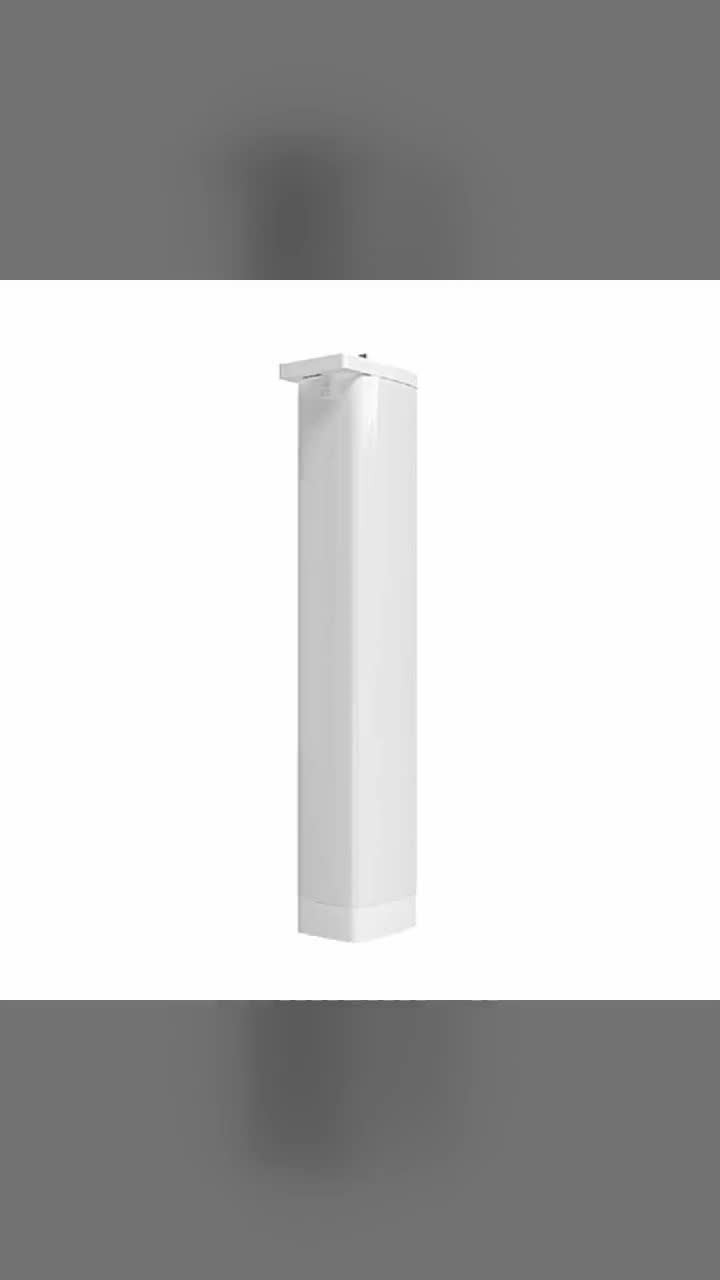
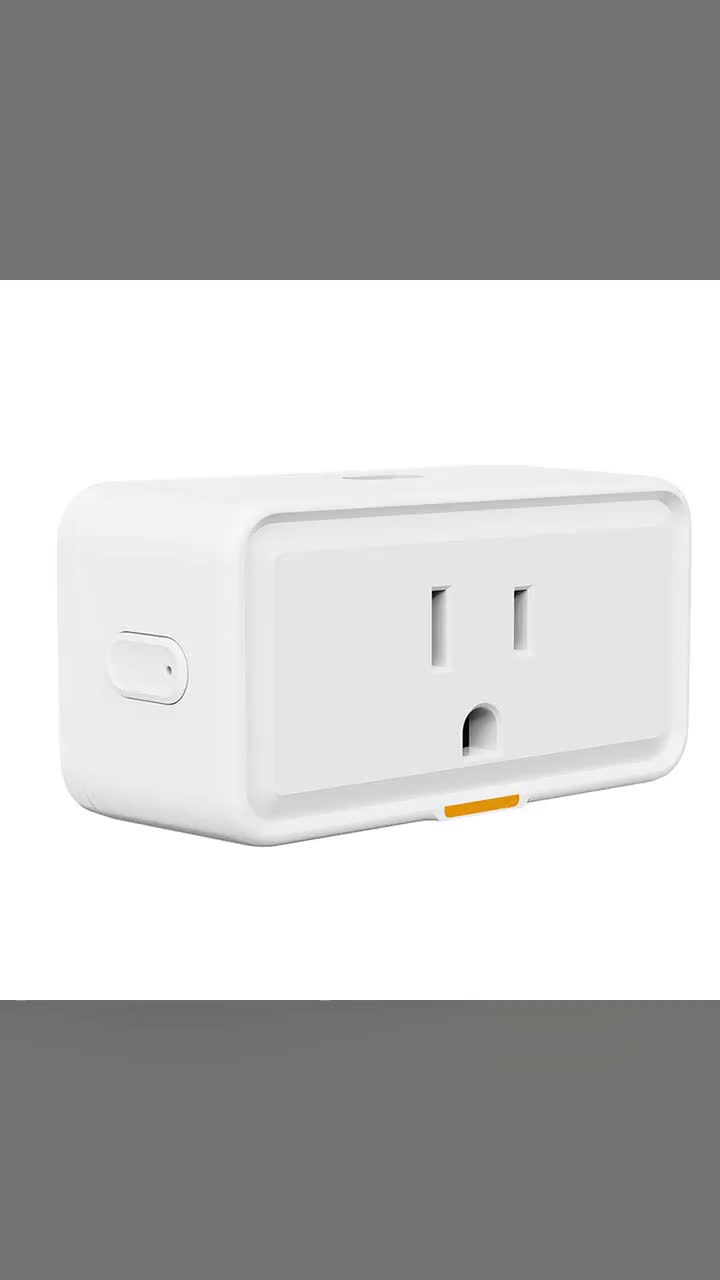
Most affordable smart plugs, sensors, lights and curtain motors run on the Tuya platform. Learning one app gives you control of all of them.
Tuya Smart or Smart Life?
They are two apps from the same company with the same features. Pick one and stick with it for all your devices; Smart Life is often preferred simply because it is widely documented. Both connect to Alexa and Google Home.
Pairing your first device
- Put your phone on 2.4 GHz Wi-Fi. Most Tuya devices cannot see 5 GHz. See why smart devices need 2.4 GHz.
- Reset the device: usually hold its button for about five seconds until the light blinks.
- In the app, tap the + to add a device. Many apps find it automatically; otherwise choose its category.
- Enter your Wi-Fi password and wait while it connects.
- Name it clearly: "Living room lamp" works better with voice assistants than "Socket 1".
Quick (EZ) mode vs AP mode
| Quick (EZ) mode | AP mode | |
|---|---|---|
| Light blinks | Fast | Slowly |
| How it works | App sends Wi-Fi details directly | Phone joins the device's own hotspot briefly |
| Use when | Normal setup | Quick mode keeps failing |
Zigbee devices
Zigbee sensors and switches pair to a gateway first: add the gateway like any Wi-Fi device, then add Zigbee devices "through the gateway". Learn more in Zigbee vs Wi-Fi.
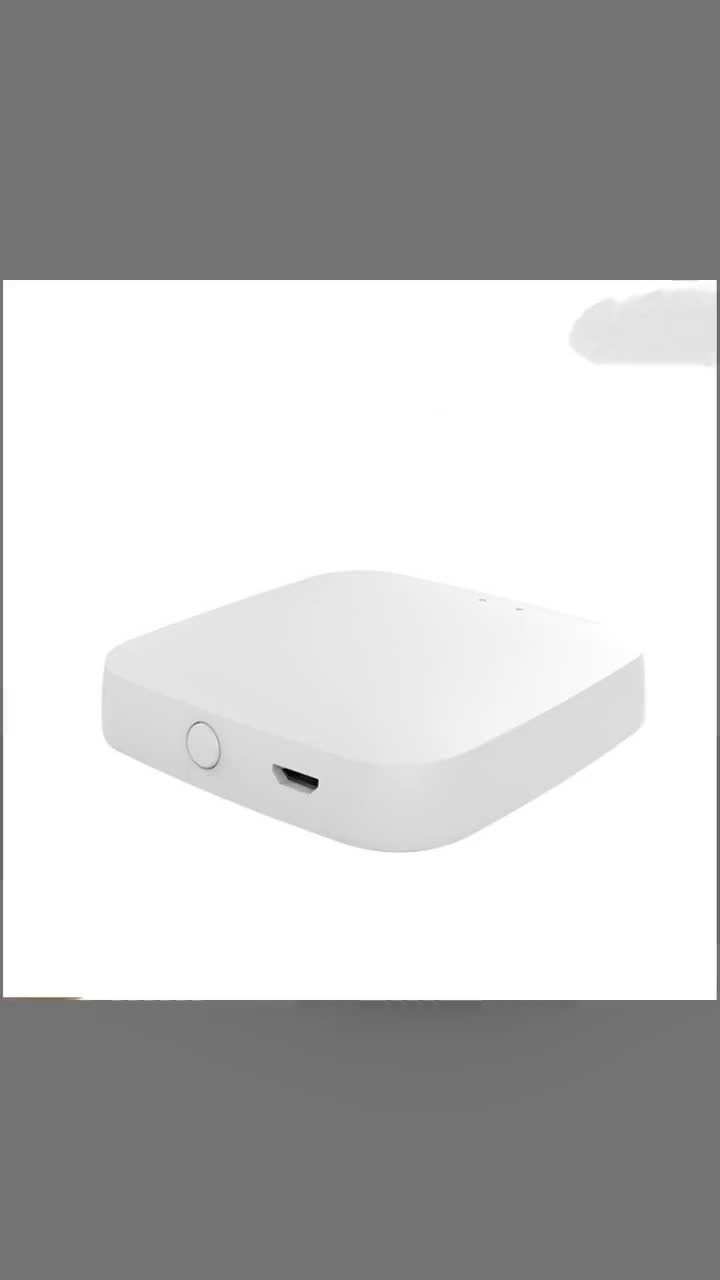 Tuya Smart Home GatewayConnects Zigbee devices to the Tuya / Smart Life app.Watch the reel →
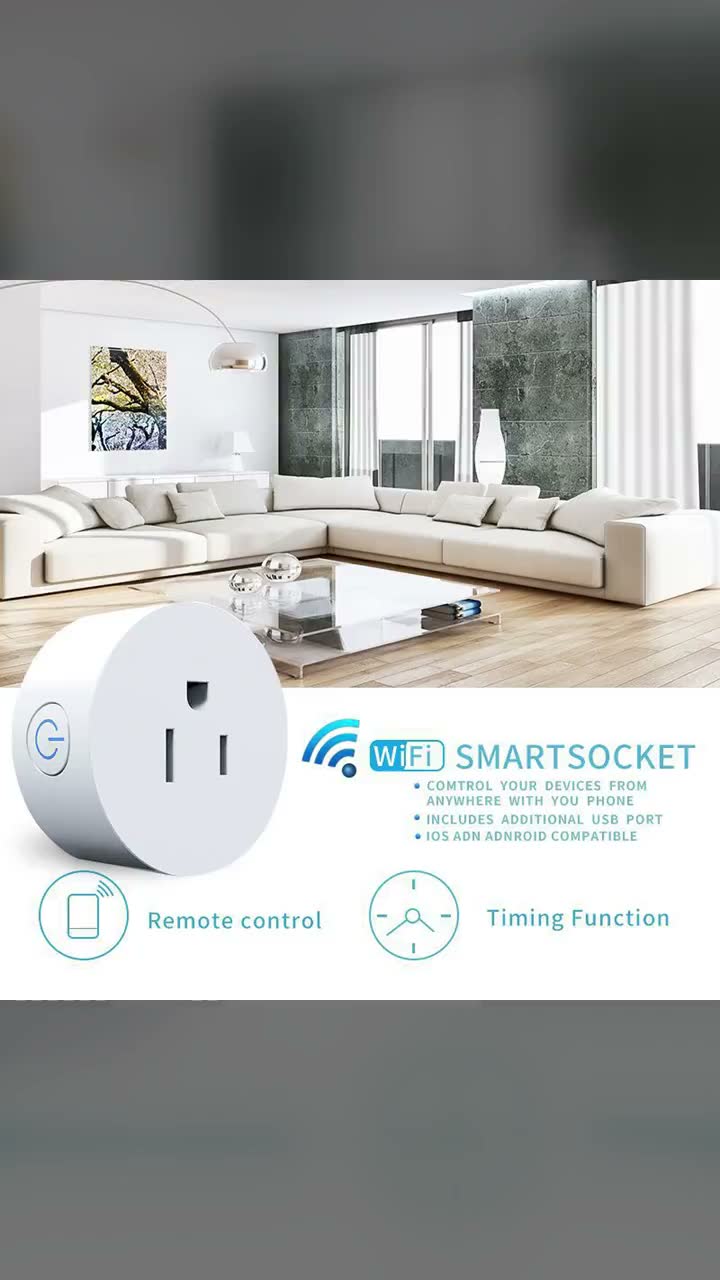 Voice Control Wi-Fi Smart SocketA simple first device: schedules and voice control.Watch the reel →
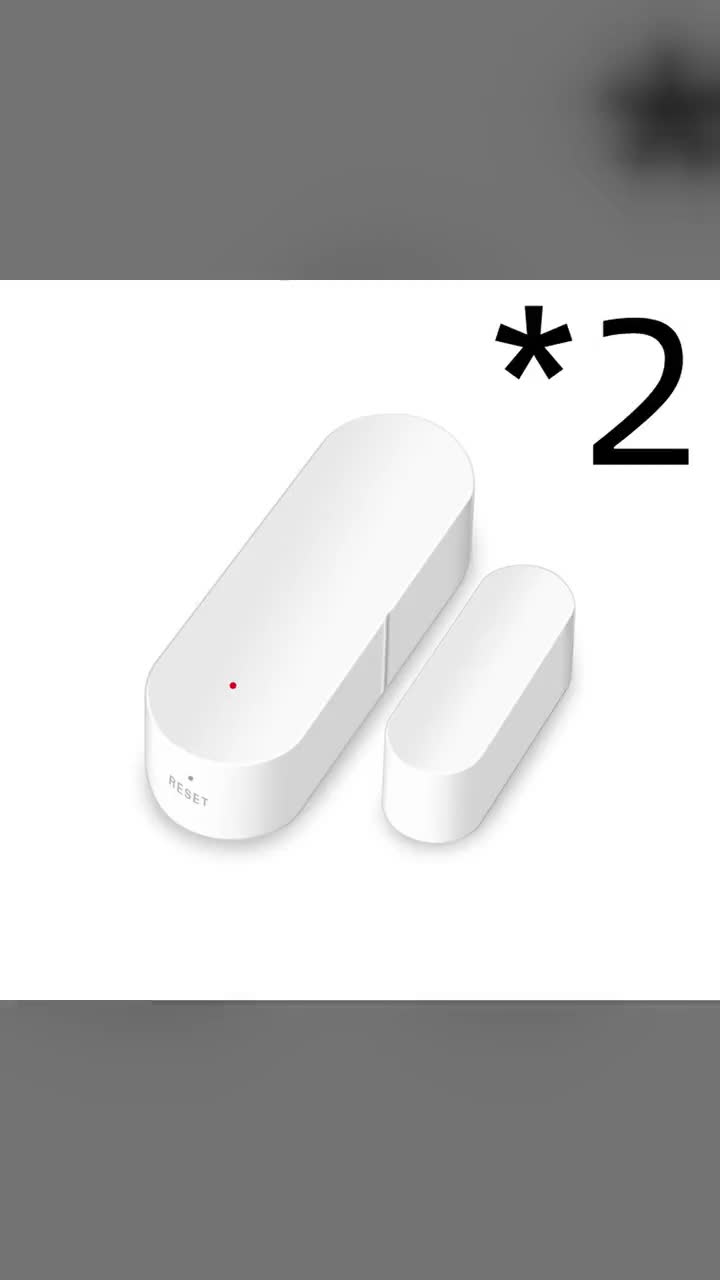 Tuya Wi-Fi Door SensorTriggers automations when a door opens.Watch the reel →
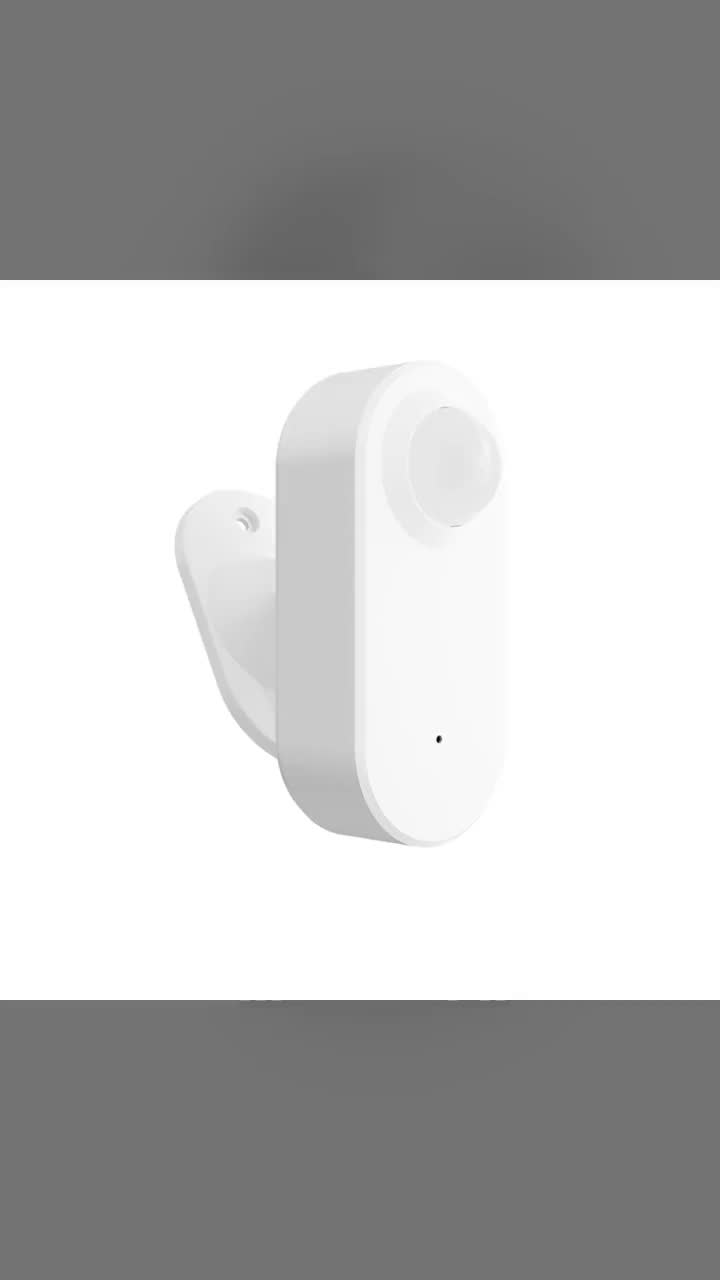 Zigbee / Wi-Fi Motion SensorSold in Wi-Fi and Zigbee versions; great for lighting automations.Watch the reel →
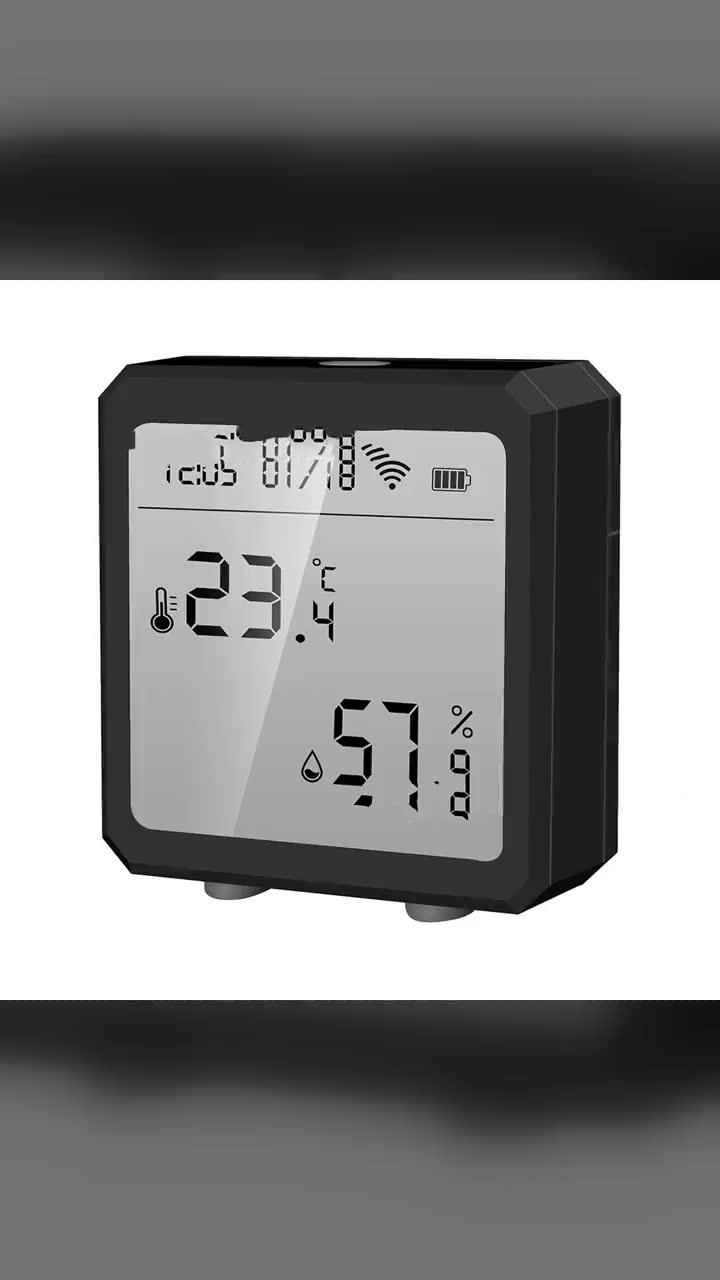 Wi-Fi Temperature & Humidity SensorUse it as a trigger for fans or humidifiers.Watch the reel →
Scenes and automations
Tap-to-Run scenes run several actions with one tap, such as "Movie time": lamp off, strip lights dim. Automations run by themselves when something happens, for example:
- When motion is detected after sunset, turn on the hallway lamp.
- When the front door opens while you are away, send a notification.
- When humidity rises above 65%, switch on the bathroom fan's smart plug.
- Every weekday at 6:30, open the curtains.
Sharing with family
Create a home in the app and invite family members, so everyone can control devices from their own phones. Give guests temporary access rather than your password.
Linking voice assistants
In the Alexa app, enable the Smart Life (or Tuya) skill; in Google Home, add "Works with Google" and pick Smart Life. Then ask Alexa or Google to discover devices. Which assistant to choose? See Alexa vs Google Assistant.
Frequently asked questions
What is the difference between Tuya Smart and Smart Life?
Practically none. Both are made by Tuya, support the same devices and features, and you can use whichever you prefer. Do not install both for the same devices, though; choose one.
Why won't my Tuya device pair?
Most often the phone is on 5 GHz Wi-Fi, the device is too far from the router, or it was not fully reset. Reset it until the light blinks fast, use a 2.4 GHz network, and if quick mode fails, try AP mode.
What is the difference between EZ mode and AP mode?
In quick (EZ) mode the light blinks fast and the app sends your Wi-Fi details directly. In AP mode the light blinks slowly and your phone briefly joins the device's own hotspot, which works better with tricky routers.
Can I use Tuya devices with Alexa or Google Home?
Yes. Link your Tuya or Smart Life account in the Alexa app (as a skill) or the Google Home app, and your devices appear there for voice control.