Audio & wearables
Low-Latency Earbuds for Gaming: What "Zero Latency" Really Means
All Bluetooth audio has some delay: typically one to three tenths of a second, enough to notice in fast games. Earbuds sold as 'low latency' or with a game mode cut that delay, but none are truly zero. For competitive play, a wired headset or one with its own wireless dongle has the least lag.
"Zero latency" is printed on many gaming earbuds. It is not literally true, but the difference between a good low-latency pair and an ordinary one is real.
Why Bluetooth audio lags
Your phone compresses the sound, sends it over the air, and the earbuds decode it, buffer it to avoid dropouts and play it. Each step adds a little time. With ordinary Bluetooth that adds up to roughly one to three tenths of a second.
How much delay will you notice?
| Use | Sensitivity to delay |
|---|---|
| Music and podcasts | Not noticeable |
| Video and streaming | Usually fine; apps can delay the picture to sync |
| Casual mobile games | Small delays are acceptable |
| Rhythm games and shooters | Very sensitive: footsteps and shots arrive late |
What "game mode" and "low latency" do
Low-latency earbuds shrink the buffer and speed up processing, often switched on with a tap or a button. The result is a noticeably tighter sync between what you see and hear. The trade-off can be slightly shorter battery life or rare dropouts in busy radio environments.
Even lower lag: dongles and wires
- Headsets with their own wireless dongle (often 2.4 GHz) skip Bluetooth and usually have the least wireless lag.
- Wired headphones have no wireless delay at all.
- Bluetooth earbuds with a game mode are the most convenient for phones and handhelds.
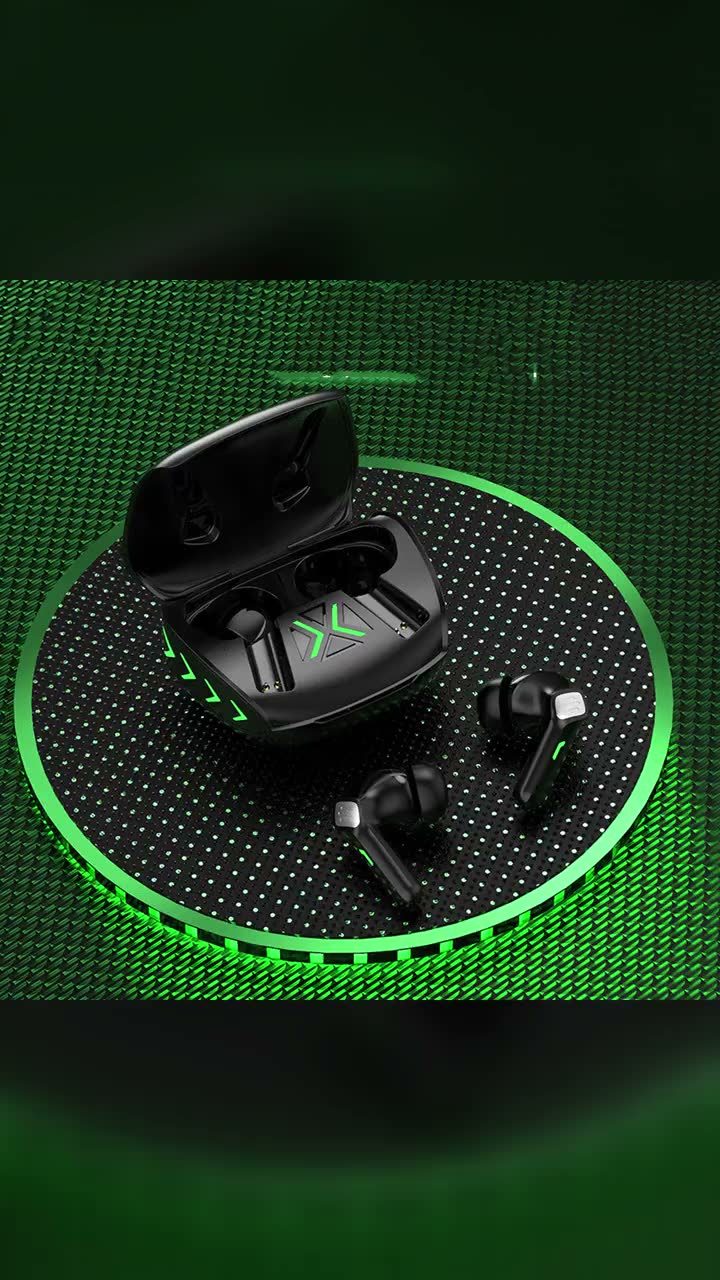 Zero-Latency Gaming EarbudsMultipoint connection, battery display and NFC.Watch the reel →
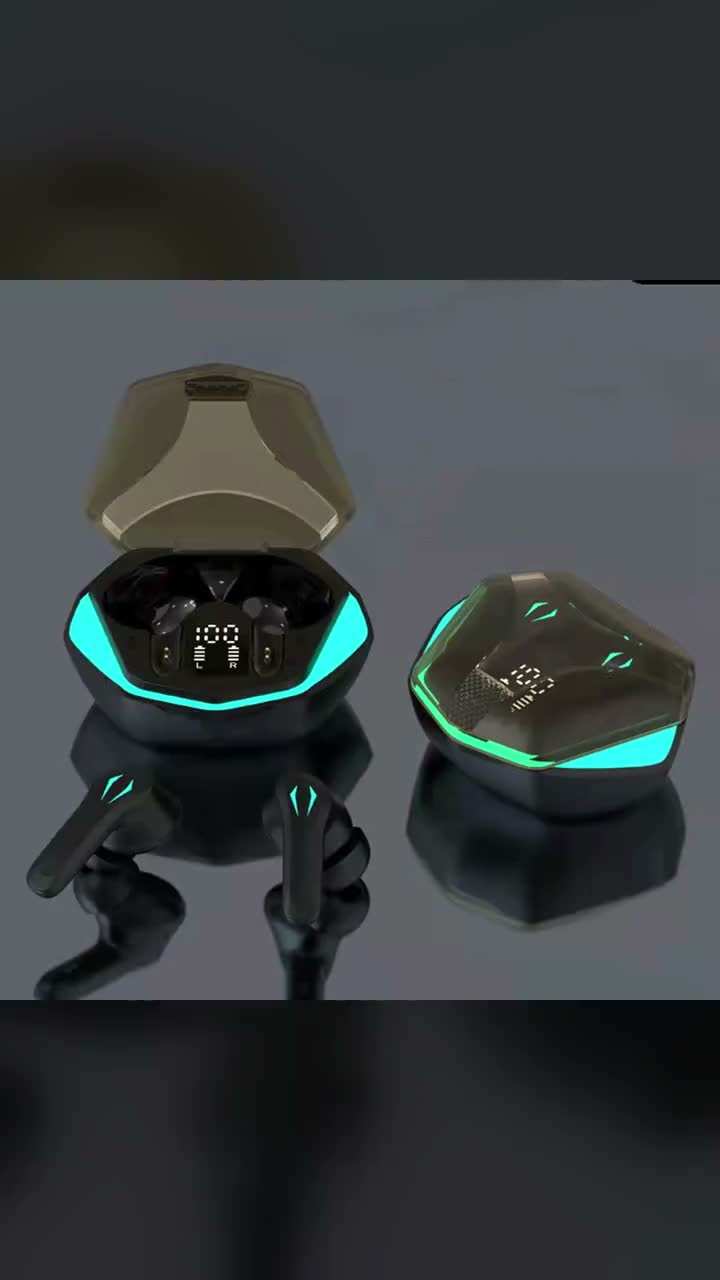 Gaming Zero Latency EarbudsBluetooth 5.0 with multipoint, about 10 hours listed per charge.Watch the reel →
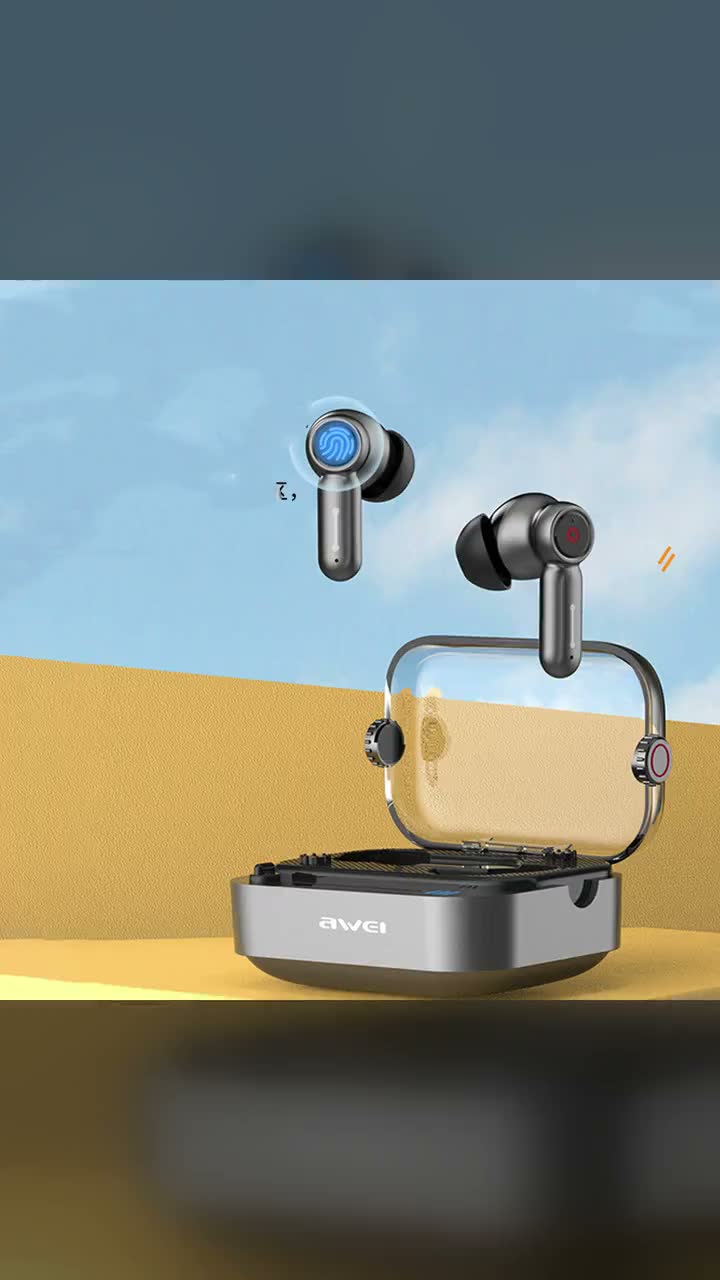 Voice Wake-Up Gaming EarbudsAround 35 hours listed in total with the case.Watch the reel →
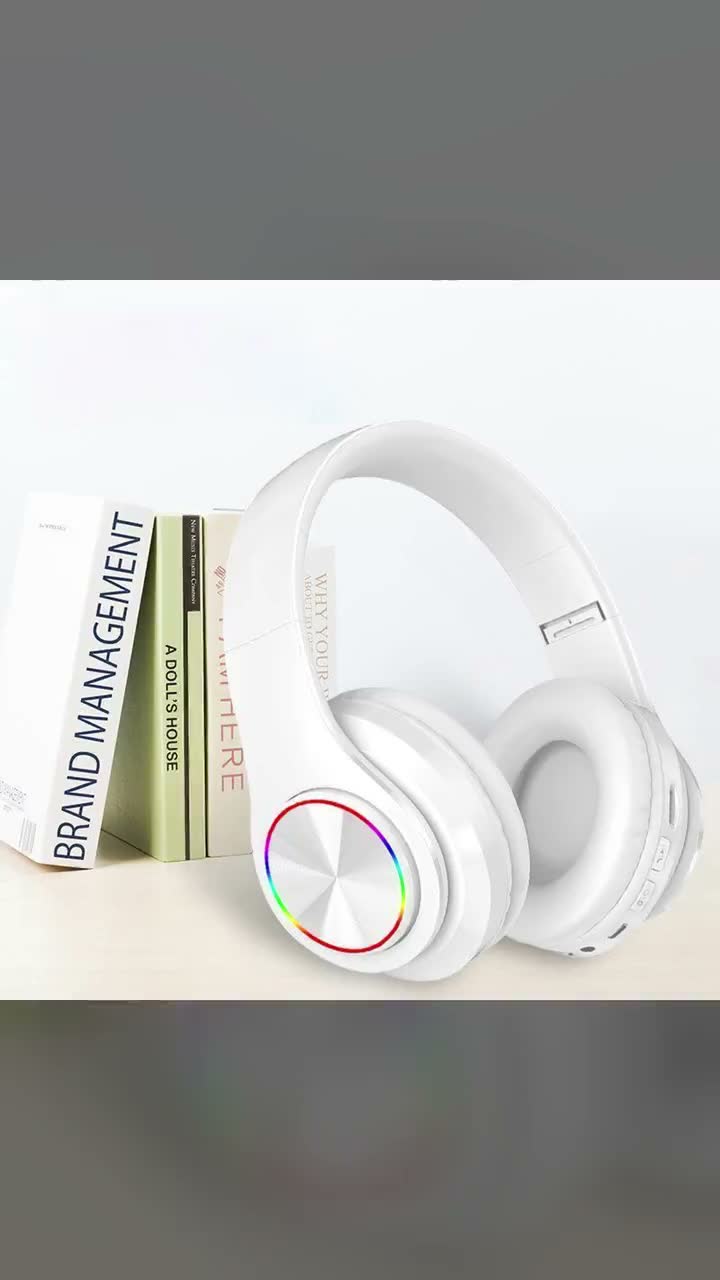 LED Gaming EarbudsSeven-colour breathing lights and about 10 hours of play.Watch the reel →
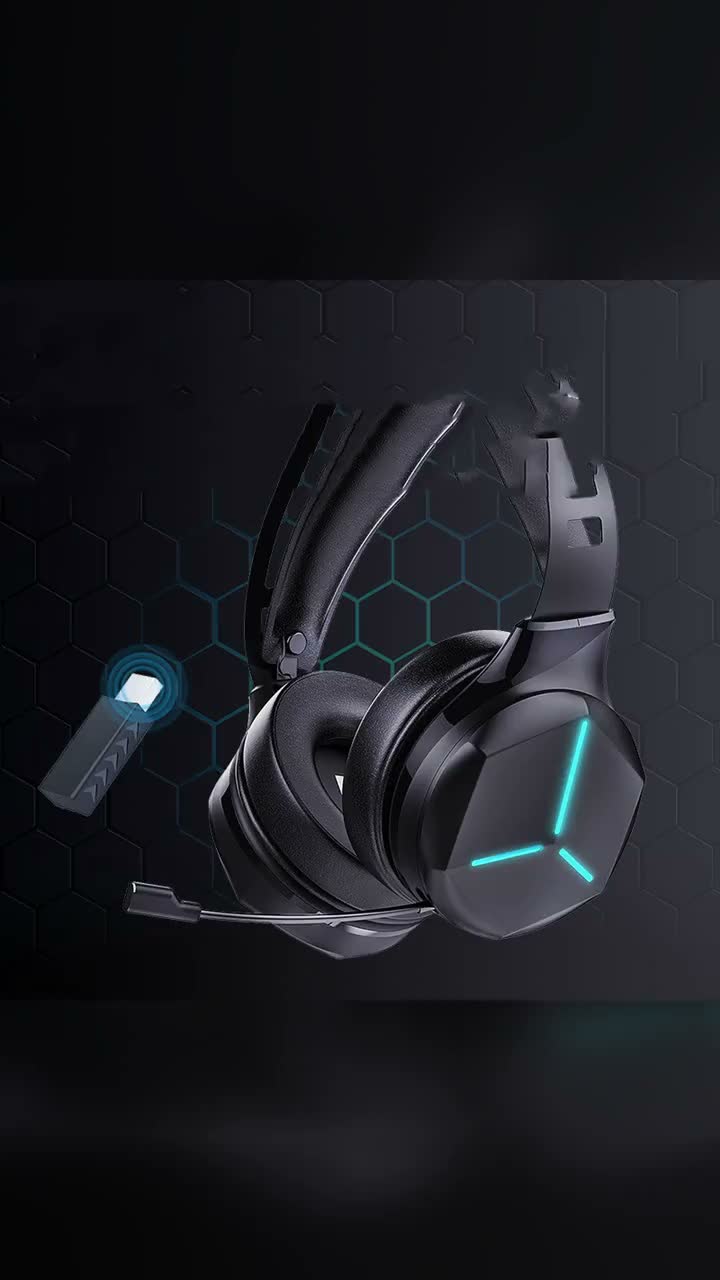 Over-Ear Gaming Headphones50 mm drivers in an over-ear design for long sessions.Watch the reel →
Tips for smoother mobile gaming audio
- Turn on the earbuds' game mode before you start.
- Keep your phone close; walls and pockets cause re-sends and stutter.
- Close other Bluetooth connections, such as a watch, if you notice dropouts.
- Update the phone and the earbuds' firmware when updates are offered.
Building a full setup? See gifts for gamers for lights and desk upgrades, and Bluetooth versions explained for what the version number means.
Frequently asked questions
Are there truly zero-latency Bluetooth earbuds?
No. 'Zero latency' is marketing for 'reduced latency'. Every wireless link adds some delay; good game modes simply make it small enough that most players stop noticing.
How much audio delay is noticeable?
Many people notice lip-sync problems and late gunshots or footsteps once delay passes roughly a tenth of a second. Casual games are forgiving; rhythm and competitive shooters are not.
Do game modes drain the battery faster?
Often slightly, because the earbuds send and process audio more aggressively. Switch game mode off for music and podcasts.
Why do games lag on my earbuds but YouTube looks fine?
Video apps can delay the picture to match the audio. Games cannot, because they react to your input in real time, so the audio delay shows.