Audio & wearables
How to Set Up Karaoke at Home with a Bluetooth Speaker
For home karaoke you need a speaker with wireless microphones, a phone, tablet or TV showing karaoke videos with lyrics, and a little space. Keep the microphones pointing away from the speaker to avoid feedback, and play the lyrics on the same device that sends audio to avoid lag.
Home karaoke has never been easier. A speaker with wireless microphones and a phone full of karaoke videos is all it takes to turn a living room into a stage.
What you need
| Item | Why |
|---|---|
| Karaoke speaker with wireless microphones | Mixes your voice with the music in one box |
| Phone, tablet or smart TV | Plays karaoke videos with lyrics on screen |
| Karaoke source | Karaoke videos or a karaoke app |
| Space | Room to move, with the speaker against a wall for fuller sound |
Setting up in five minutes
- Charge the speaker and microphones fully.
- Pair your phone or tablet with the speaker by Bluetooth.
- Switch on the microphones and check both show up on the speaker.
- Search for "song name karaoke" in your video app, or open a karaoke app.
- Set the levels: music first, then raise the microphone volume until voices sit just above it.
Avoiding feedback (the squeal)
Feedback happens when a microphone picks up its own sound from the speaker. Keep microphones behind or to the side of the speaker, never pointed at it, and lower the microphone volume a notch if it starts to ring.
Fixing lyrics that run late
Bluetooth adds a little delay to audio. The easiest fix is to play the video on the same device that is connected to the speaker, so the device can line them up. Showing lyrics on a TV while music goes to a separate speaker is where lag usually appears.
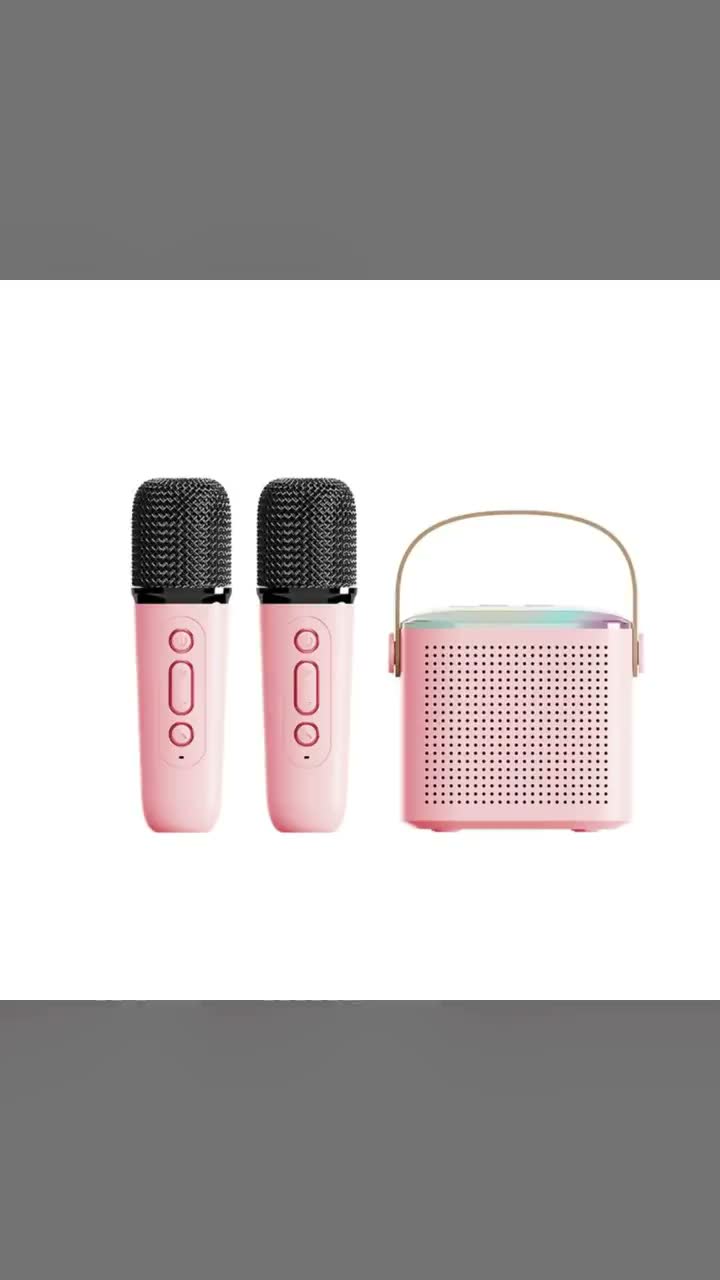 Karaoke Speaker with 2 Wireless MicsTwo wireless microphones, 3D surround mode and RGB lights.Watch the reel →
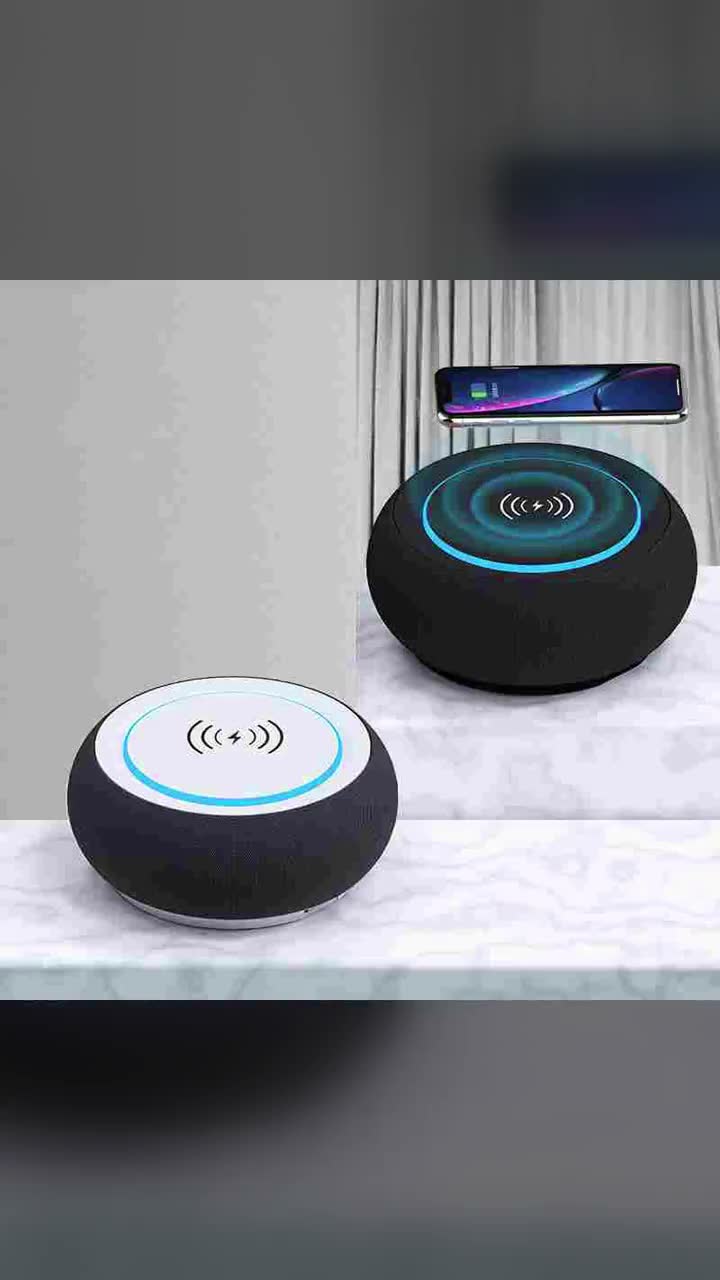 Loud Dual-Driver Speaker10–20 W with radio and a card slot, for bigger rooms.Watch the reel →
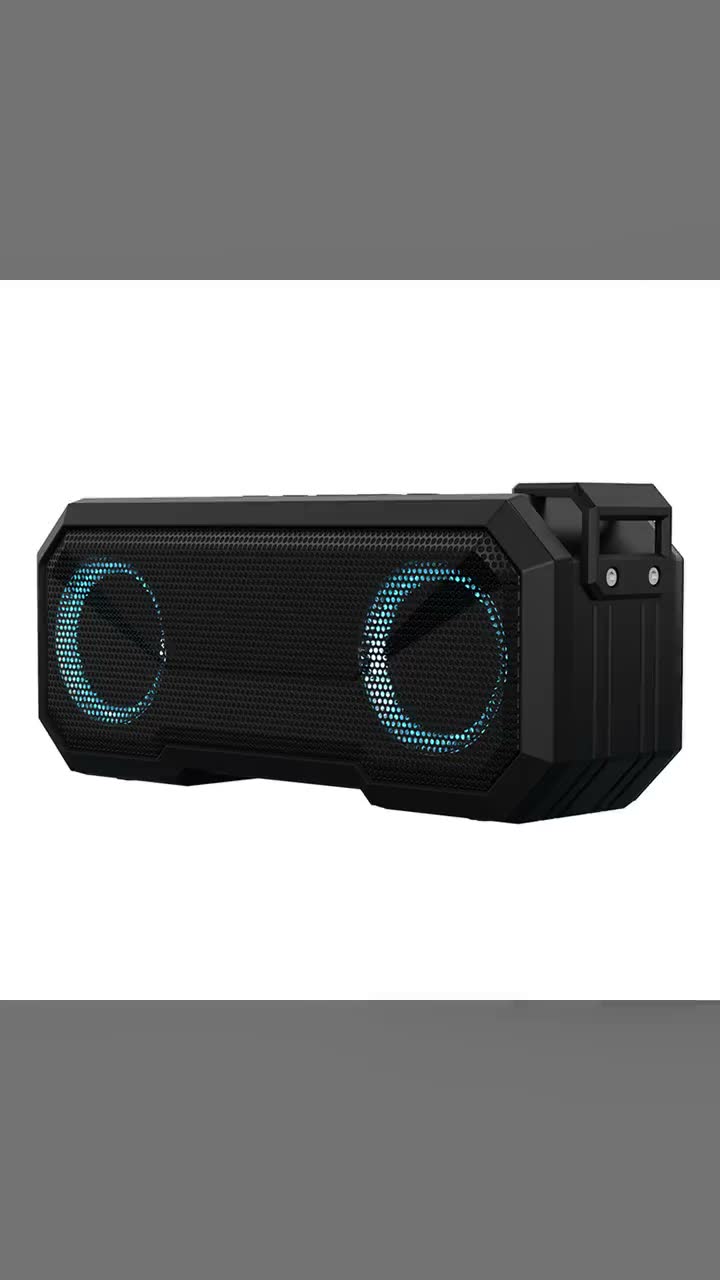 Luminous Outdoor Dual SpeakerTwo 8 W drivers and colourful lights for garden parties.Watch the reel →
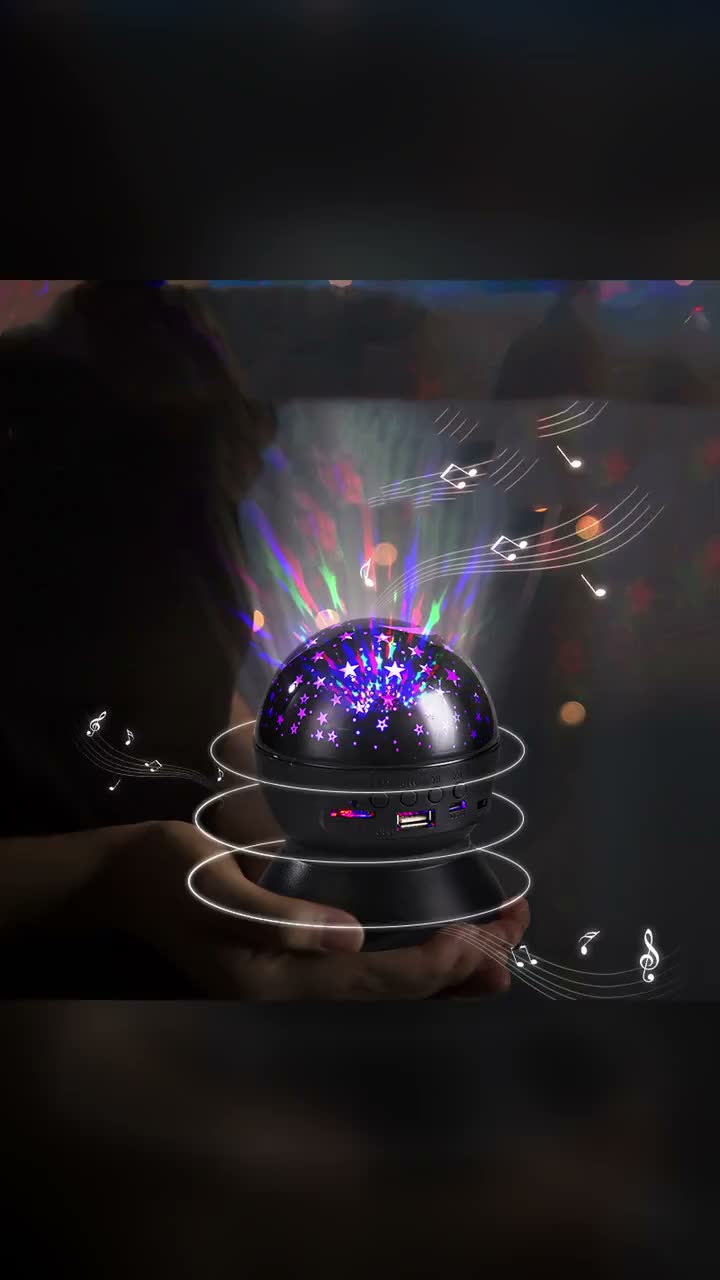 LED Projector Party SpeakerProjects colourful light patterns to set the party mood.Watch the reel →
Party tips
- Echo effect: a touch makes most voices sound better; too much sounds muddy.
- Duets: two microphones mean no fighting over who sings next.
- Lights: RGB modes and ambient lighting set the mood.
- Neighbours: keep the bass down after 10 pm and close the windows.
Choosing a speaker for everyday use too? Read how to choose a Bluetooth speaker.
Frequently asked questions
What do I need for karaoke at home?
A speaker with microphones, a device that plays karaoke videos with on-screen lyrics (phone, tablet or smart TV), and a stable spot for the speaker. A karaoke speaker with built-in wireless mics is the simplest setup.
How do I stop the microphone squealing?
That squeal is feedback. Keep the microphones behind or beside the speaker, never pointed at it, lower the microphone volume, and avoid standing right in front of the speaker.
Why are the lyrics out of sync with the music?
Bluetooth adds a small audio delay. Play the karaoke video on the same phone or tablet that is connected to the speaker, or use the speaker's or TV's audio delay setting if it has one.
Can I use any Bluetooth speaker for karaoke?
You can play backing tracks on any speaker, but you also need a microphone. Speakers with built-in microphone receivers keep everything in one box.