Home & kitchen
Desk Setup Ideas: Lighting, Sound and Charging Upgrades
The most effective desk upgrades are good lighting (a monitor light bar or adjustable lamp that lights the desk without screen glare), soft bias lighting behind the screen, a wireless charger or charging lamp to clear cables, a small speaker, and a quiet fan. Set the top of your screen at or just below eye level, about an arm's length away.
You spend hours at your desk; small upgrades make every one of them more comfortable. Start with light, then cables, then comfort.
1. Fix the lighting first
Most desks have one problem: the screen is the brightest thing in the room. Fix it with three layers:
| Light | Purpose |
|---|---|
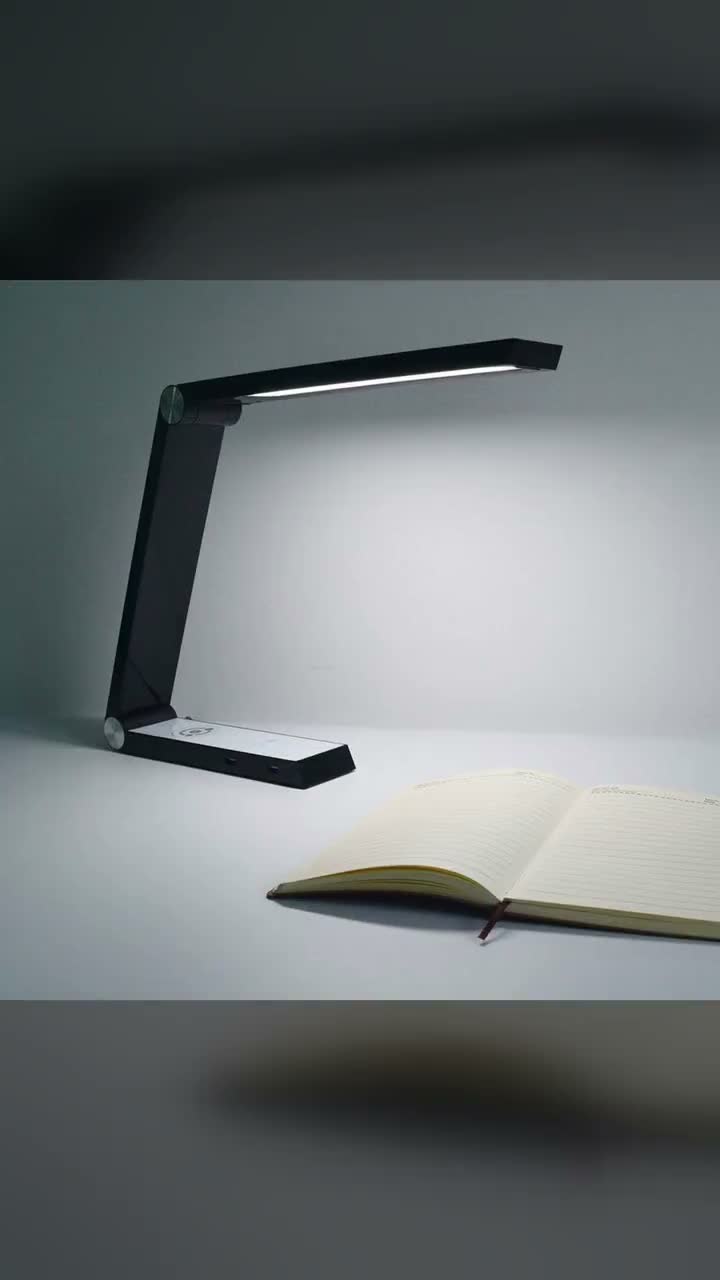
| Monitor light bar or side lamp | Lights the desk and keyboard without screen glare |
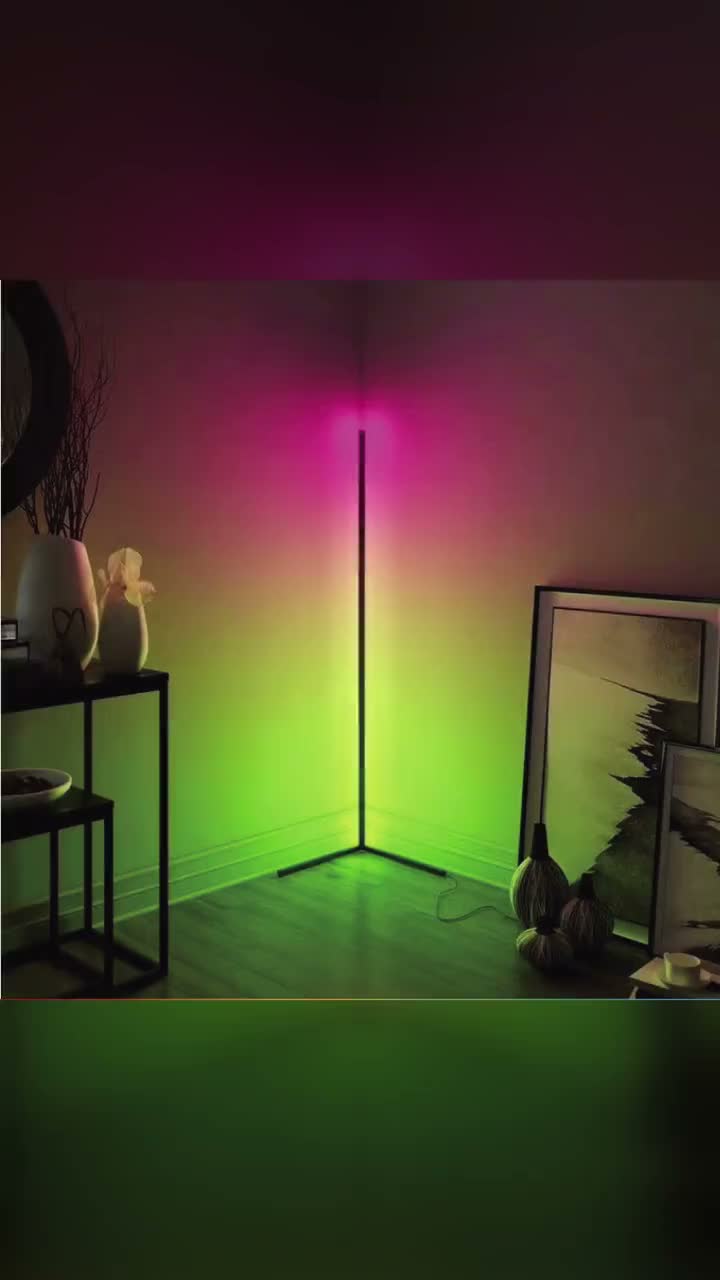
| Bias lighting behind the screen | Softens the contrast with a dark wall in the evening |
| Room light | General light so the room is not dark around you |
Read more in ambient lighting ideas.
2. Clear the cables
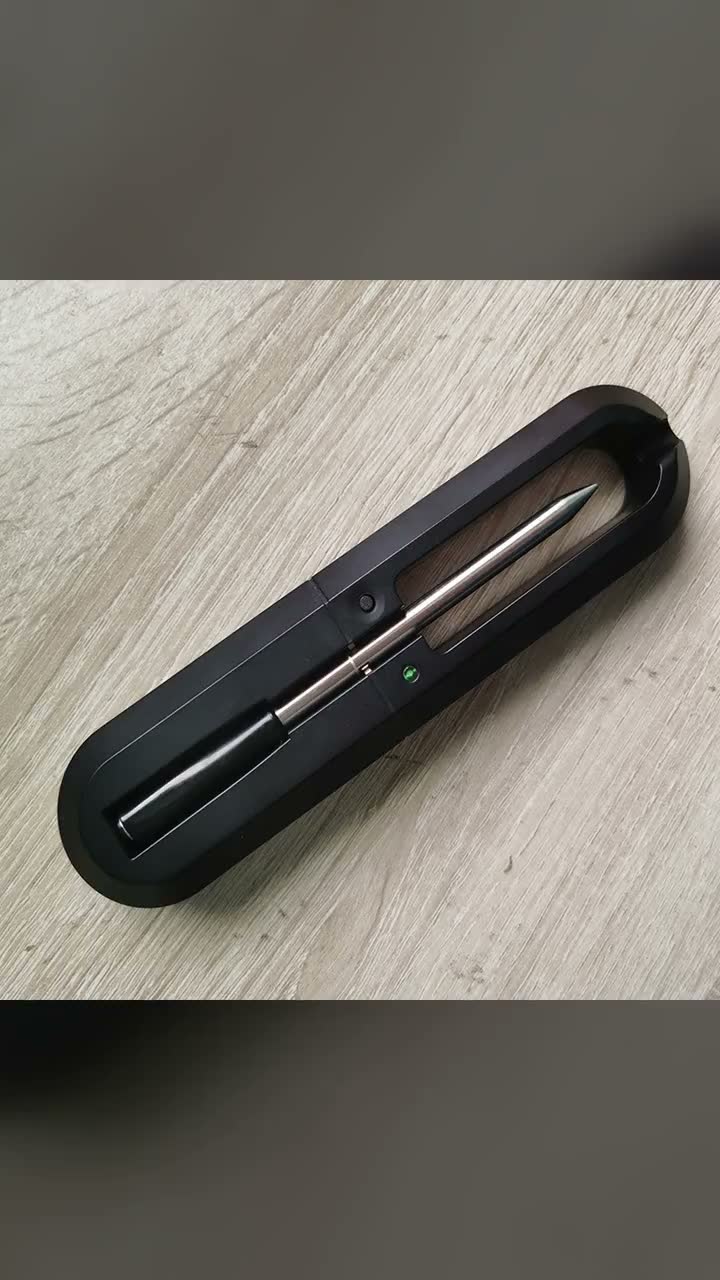
A wireless charger built into a lamp or clock removes a cable and a gadget. Our guide to wireless charging alarm clocks explains phone compatibility.
3. Add sound
A small Bluetooth speaker beats laptop speakers for calls and music. See how to choose a Bluetooth speaker.
4. Stay comfortable
- A quiet desk fan for summer and stuffy rooms.
- A temperature and humidity monitor if your office feels stuffy; see why every home needs one.
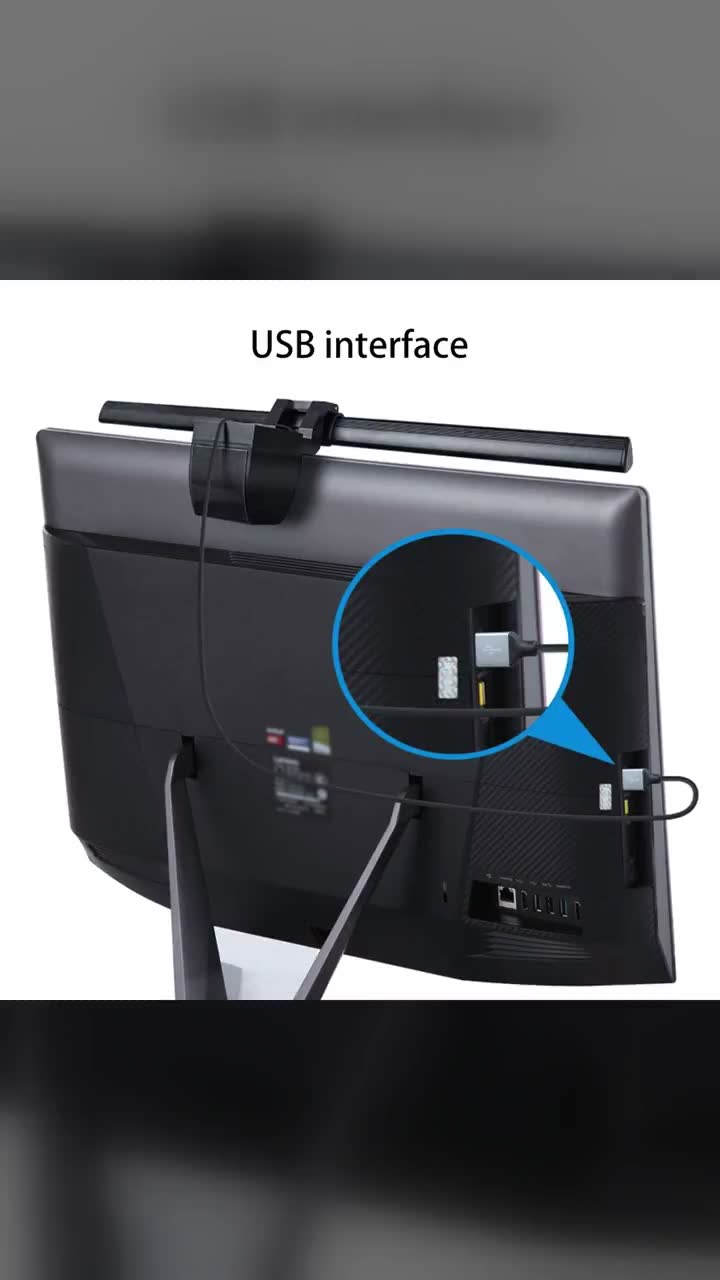 Monitor Light BarLights the desk and keyboard without glare on the screen.Watch the reel →
 Wireless Charging Desk LampA rechargeable lamp that also charges your phone.Watch the reel →
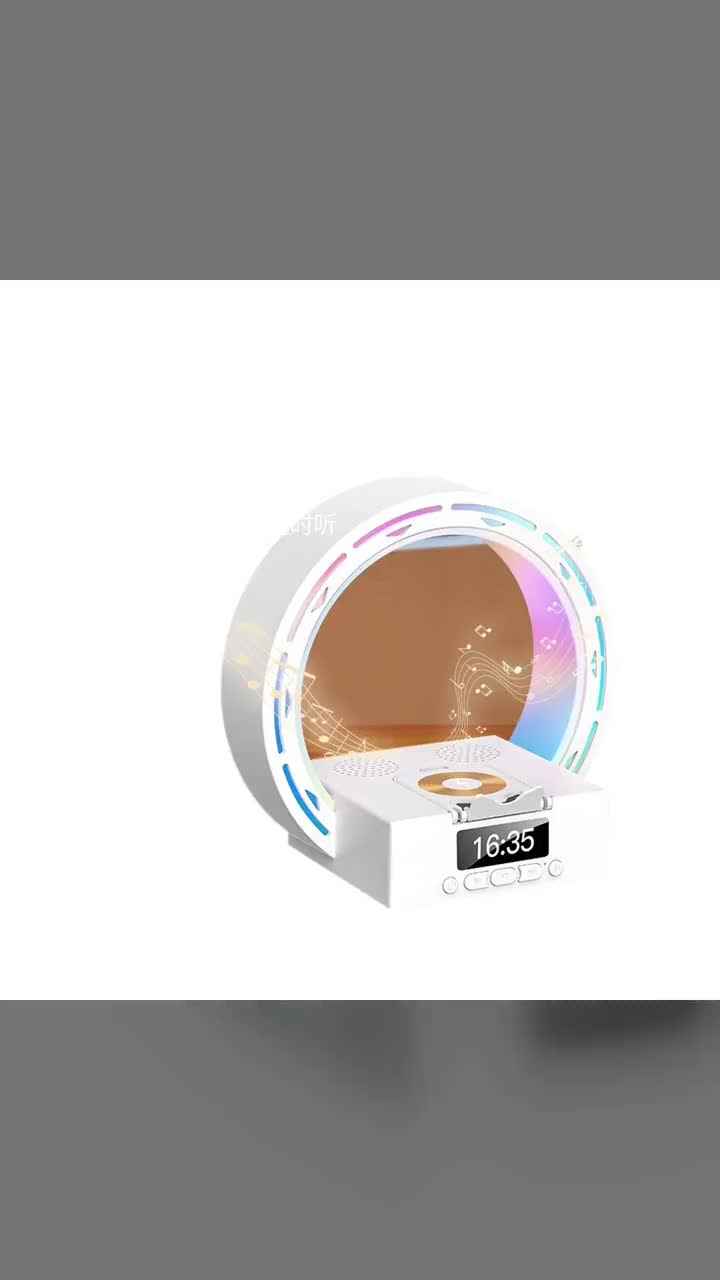 4-in-1 Speaker, Charger, Lamp & ClockOne gadget instead of four on the desk.Watch the reel →
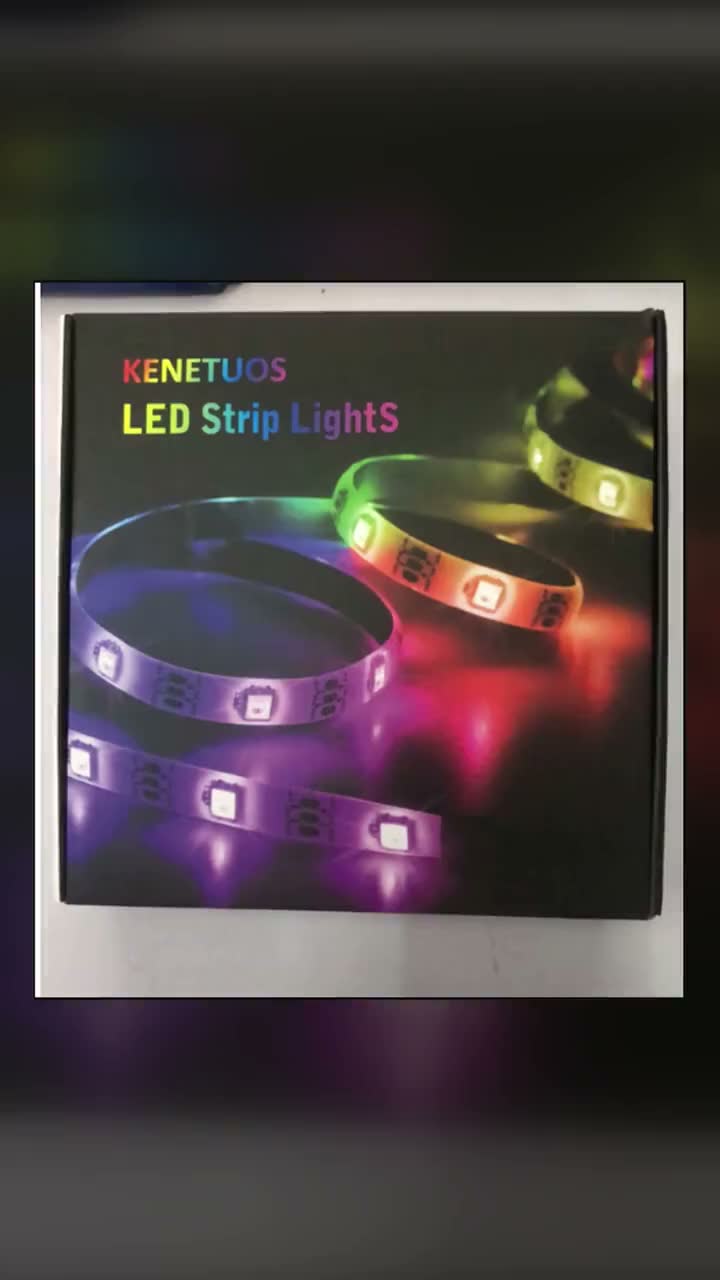 RGB LED Strip for Bias LightingSoft light behind the monitor for evening work.Watch the reel →
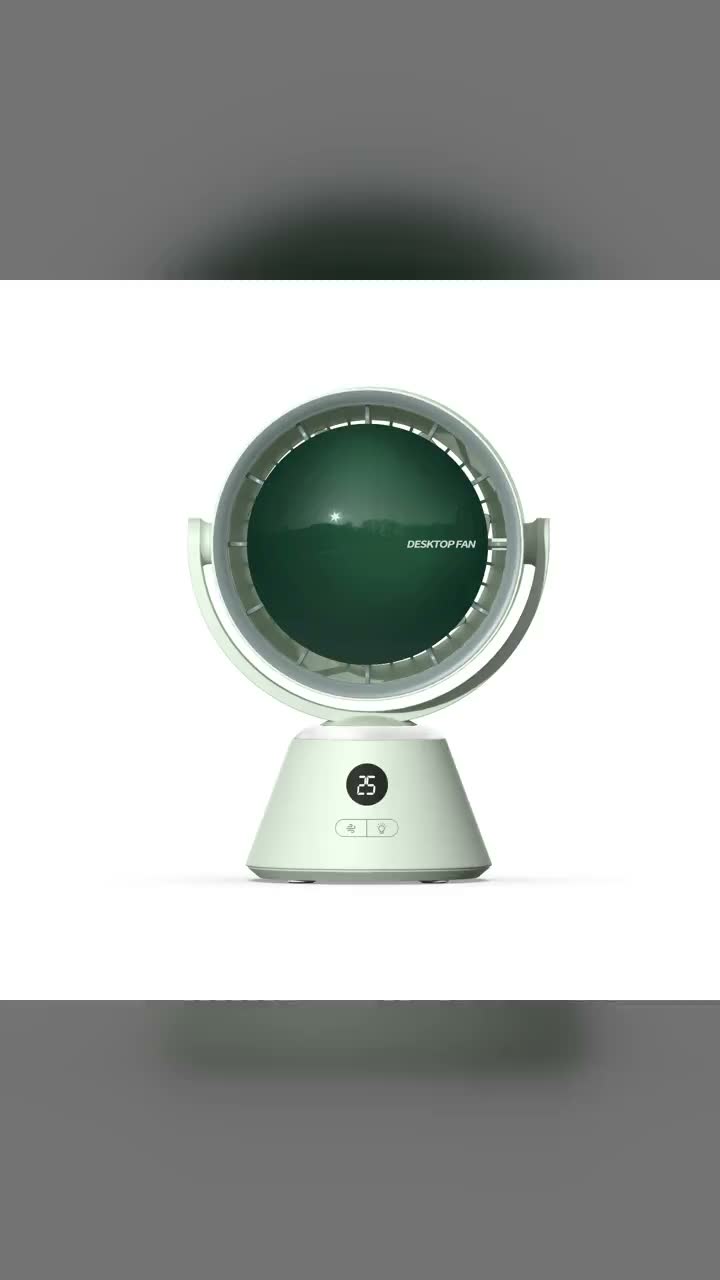 Mini Turbine Desk FanUSB powered, 36–45 dB.Watch the reel →
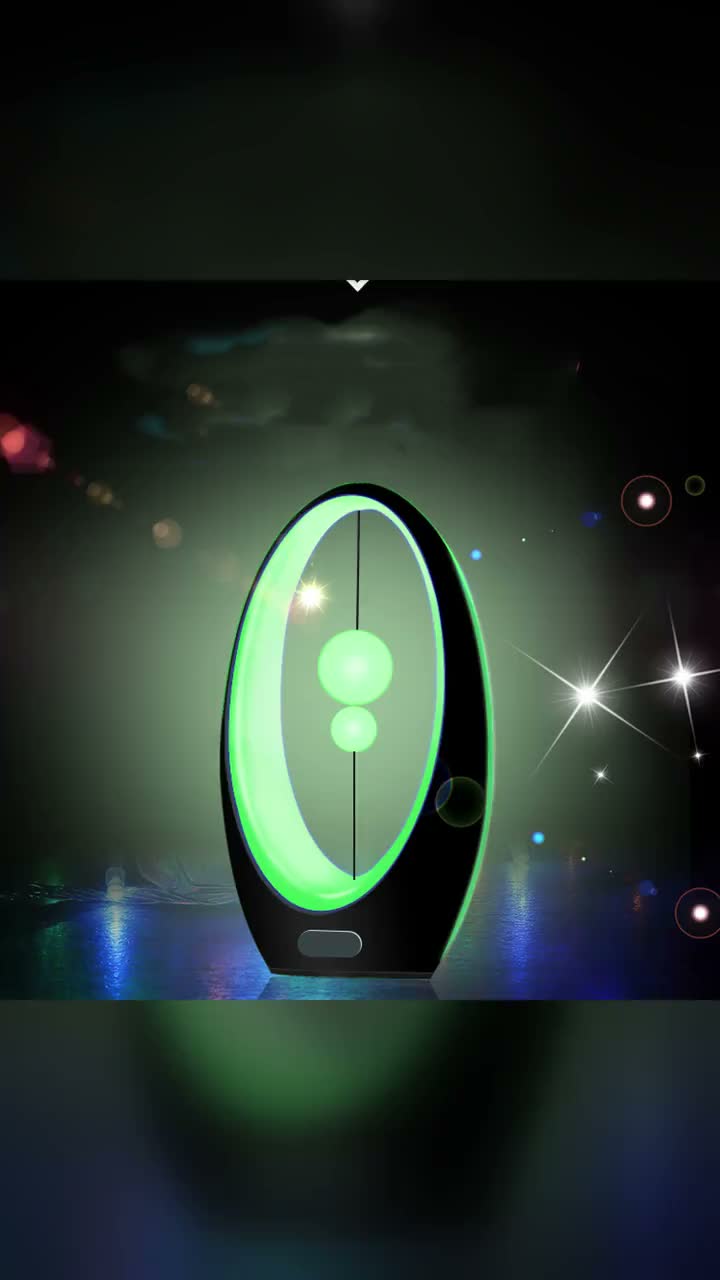 Star Art LED Desk LampA decorative USB-powered lamp for the desk or bedside.Watch the reel →
Quick ergonomics checklist
- Screen top at or just below eye level, about an arm's length away.
- Keyboard at elbow height, shoulders relaxed.
- Feet flat on the floor or a footrest.
- Light from the side, not behind the screen or straight onto it.
- Breaks: the 20-20-20 rule, every 20 minutes look about 20 feet away for 20 seconds.
Setting up for gaming? See gifts for gamers for RGB and audio ideas.
Frequently asked questions
What is the best lighting for a desk?
Even light on the desk without glare on the screen: a monitor light bar or an adjustable lamp to the side, plus soft background light so the screen is not the only bright thing in the room.
What is bias lighting?
Soft light behind a monitor or TV. It reduces the contrast between a bright screen and a dark wall, which many people find more comfortable in the evening.
How high should my monitor be?
The top of the screen should be at or slightly below eye level, roughly an arm's length away, so you look slightly down at the middle of the screen.
How do I reduce eye strain at my desk?
Use good lighting, keep the screen at a comfortable distance and brightness, and follow the 20-20-20 rule: every 20 minutes, look at something about 20 feet away for 20 seconds.